Runbook: Changing and Publishing a Governed Object
An operational runbook for editors and agents on Kugel Platform: checkout, validate, patch, publish, check in, release and verify, with the meaning of each refusal and the next safe step.
4 min read By Platform Documentation Guide #Publishing
Prerequisites
Before you start
You need a connection to the site, through its admin or its MCP endpoint, with a role that allows writing: owner, admin, publisher or editor for people, or an agent key for agents. Start every session by asking the site who you are. The answer names the site, your role, whether you can write, and the site's publish policy.
Then read the object contract for the type you are about to change. It lists the fields, the edits allowed, the checks that run and whether publishing needs a human. Treat the contract as the rule book for this session. A number remembered from another session or another site may be out of date.
This runbook covers one object at a time. It changes state, so follow the steps in order.
Safe sequence
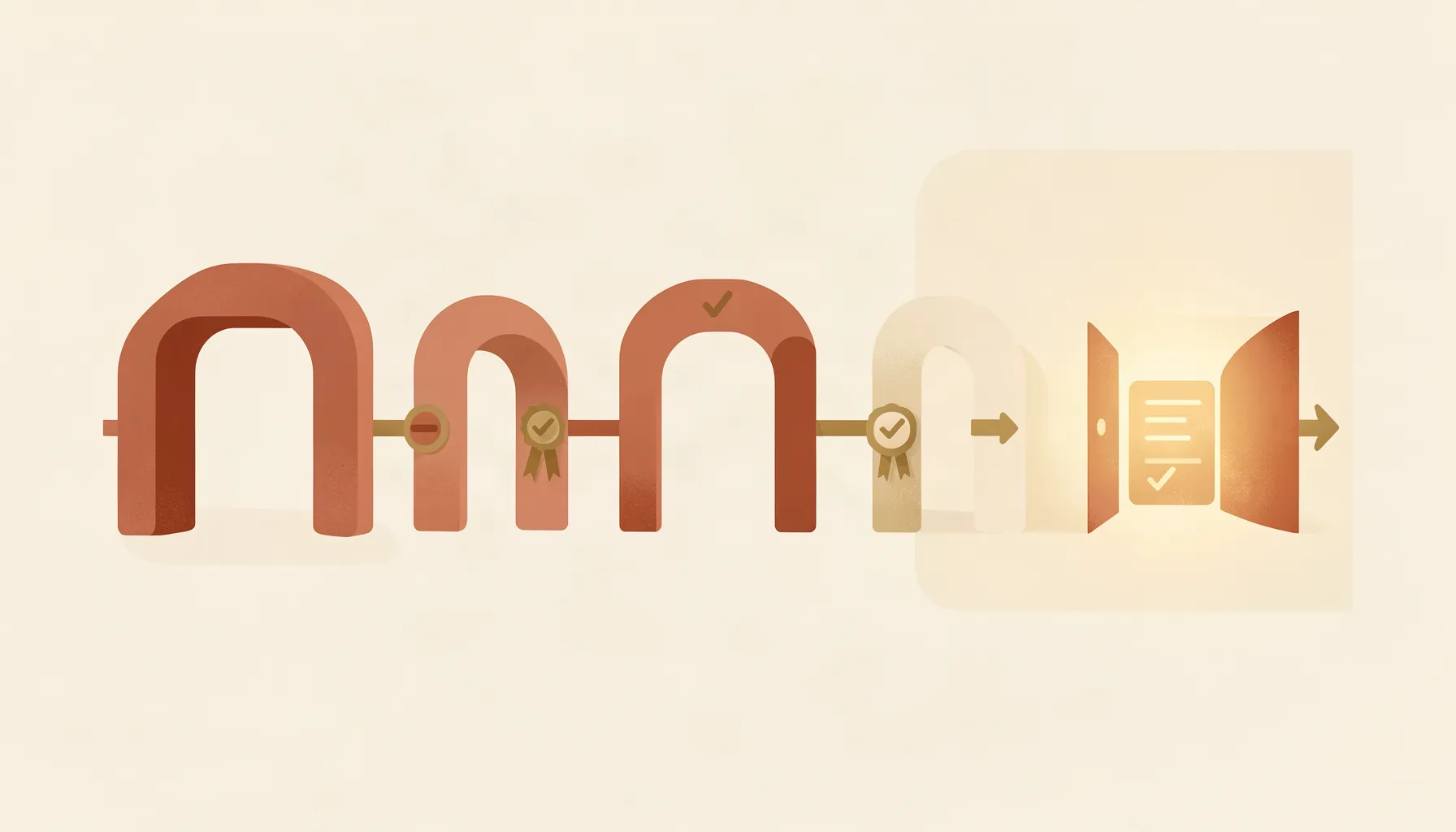
Eight steps, in this order
1. Read the smallest unit you need. For one paragraph of an article or one section of a page, ask for that unit alone. The reply includes short summaries of its neighbours and the object's current version.
2. Check out the object. You receive a lock token and the record version. The lock lasts 15 minutes by default and can be set to up to an hour.
3. Dry-run the change. Validation runs the same checks a real write would, with the edits you intend to make, and writes nothing.
4. Apply the patch, sending the lock token and the version you read. Change only what you need: one node, one section, one field.
5. Publish. The publish gate runs the publish-time checks and, where policy requires it, looks for a matching human approval. Publishing keeps your lock on purpose, so a concurrent change is caught rather than overwritten.
6. Check in to release the lock. If you skip this, nobody else can edit the object until the lease runs out.
7. Release when the batch is ready. One release ships every change published since the last one. Campaign pages are the exception: publishing one already switches readers to the new snapshot, unless the site owner turned automatic release off.
8. Verify. Poll the deploy status for the commit the release returned until it reports ready and confirms production is serving it. Then load the page.
Verification
How to tell what actually happened
Report each state separately, because each proves something different. A patch result proves the change was saved. A publish receipt proves the export exists; it says nothing about a deploy. A release reply with the status building proves a build started. A deploy status of ready, with production confirmed, proves the site is serving that build. Loading the live page proves a reader sees the change.
One reporting detail catches people out. In a dry run on a draft, rules that only block publishing are listed as warnings, and only rules that block the write appear as blockers. An empty blocker list does not mean the object will publish. Check each rule's severity in the contract.
Failure recovery
When a step refuses
423, lock required. You hold no valid lock, or it expired. Check out again and repeat from step 3.
409, stale version. Someone changed the object after you read it. Read it again, re-apply your change to the new version and retry.
422, invalid body. The patch would break the object's contract. Nothing was written. Fix the field the error names and dry-run again.
Publish refused for approval. The type needs a human decision pinned to this exact content. Submit it for review and wait. Editing the content after approval voids the approval.
Timeout or 502 on a write. Retry with the same idempotency key. The system returns the original result instead of writing twice.
Timeout or 502 on a release. Do not retry. The build was most likely started before the error. Check the deploy status for the commit instead.
Build ready but not published. The build finished but production still serves an older one, which means automatic publishing is locked on the hosting side. Unlock it, or publish that deploy by hand.
Retire refused. Something still references the object, or a review is open. Repoint or retire the referrers, or close the review, then retire again. A retired object is archived, not deleted, and can be restored.