Fix, don't regenerate: editing AI images instead of re-rolling them
A live test of image editing on Kugel Platform: instruction edits, masked edits and deterministic tools across nine repairs, with real outputs, costs, preservation scores and the failures.
13 min read By Platform Documentation Guide #Publishing
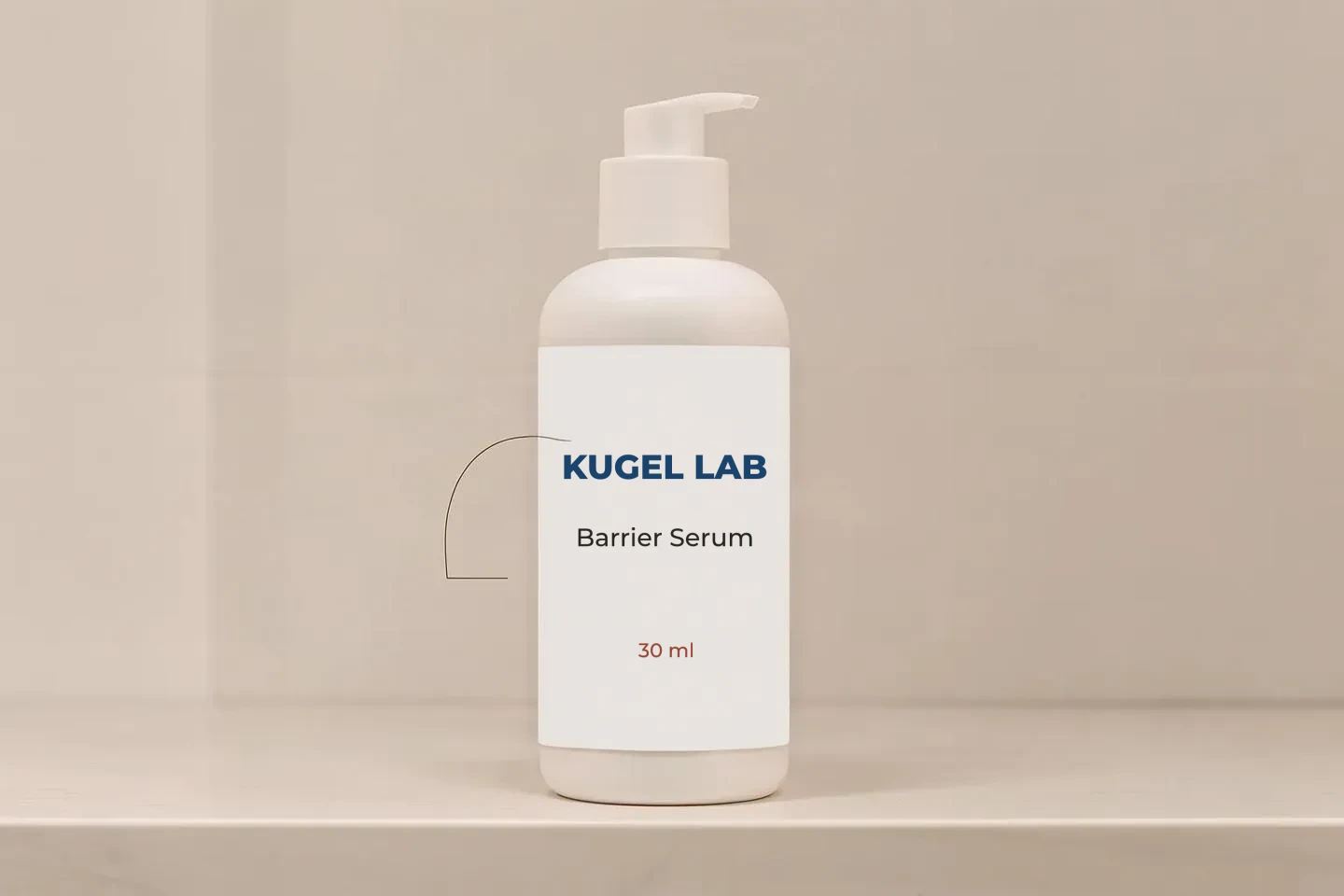
Image editing
Edit the image you have instead of generating a new one
A generated image is often almost right. There is stray text on a label, a hand with the wrong number of fingers, or a crop that cuts off the subject. Generating it again with a new prompt changes everything else as well, so a fix in one place costs you the parts that were already right.
Kugel Platform can edit an existing image instead. An edit job takes the stored image, an instruction and optionally a mask, and saves the result as a new artifact. The original is never changed. Every edit records what it was made from, what it cost, and a score for how much of the rest of the picture survived.
This article reports what happened when nine common repairs were run live on 2026-10-20. That was the first day the image-editing models were called for real rather than against test stubs. Five of the nine repairs worked and four did not. Every image below is the actual output.
Image editing
Terms used in this article
Edit job. A create_agent_artifact_job call with operation edit. It names a source image and its fingerprint, so the job cannot run against a different file from the one you looked at.
Instruction edit. The model receives the whole image and a sentence describing the change, such as "remove the handwritten codes under the swatches". You can also pass up to two or three reference images, for example a product to place into the scene.
Masked edit. You first build a mask, an image the same size as the source with the area to change painted white. The model may only repaint inside it. build_edit_mask makes a mask from rectangles for free, or from a description such as "the white cream on her cheek" for one paid segmentation call ($0.005).
Preservation score. After every model edit, the platform compares the source and the result outside the area you declared you were changing. A score of 1 means identical. The default threshold is 0.95. A low score adds a warning and never blocks the job.
Geometry drift. The edited image comes back at a different size from the source. This is also a warning only.
Deterministic tool. An operation with no model and no cost, such as a crop, a text render or placing a flat image onto a surface. The same inputs always give the same output.
Image editing
How the nine cases were run
Each case had its own request and followed the same loop: take a source image, edit it, then measure the result and look at it. The first attempt used the cheapest model for the job. Instruction edits started on FLUX.2 klein 9B edit and masked edits on FLUX.1 Pro Fill. A failed attempt moved up to a more expensive model, with at most three paid attempts per case.
The models used were:
FLUX.2 klein 9B edit, about $0.0115 an edit.
Qwen Image Edit 2511, about $0.0315.
FLUX.1 Kontext Pro, which has no price in the cost table yet.
FLUX.1 Pro Fill, about $0.0525.
OpenAI gpt-image-1.
Costs below are the estimates on each job's cost receipt, not invoices. Each output was downloaded and looked at, and the verdict in each section is that visual judgement, not the score.
One case starts from a real published image: the hero photograph of the Dr. Lurie article on reactive skin. The other sources were generated for the test.
Case 1 · state change
Cream on a cheek, rubbed in: not fixed
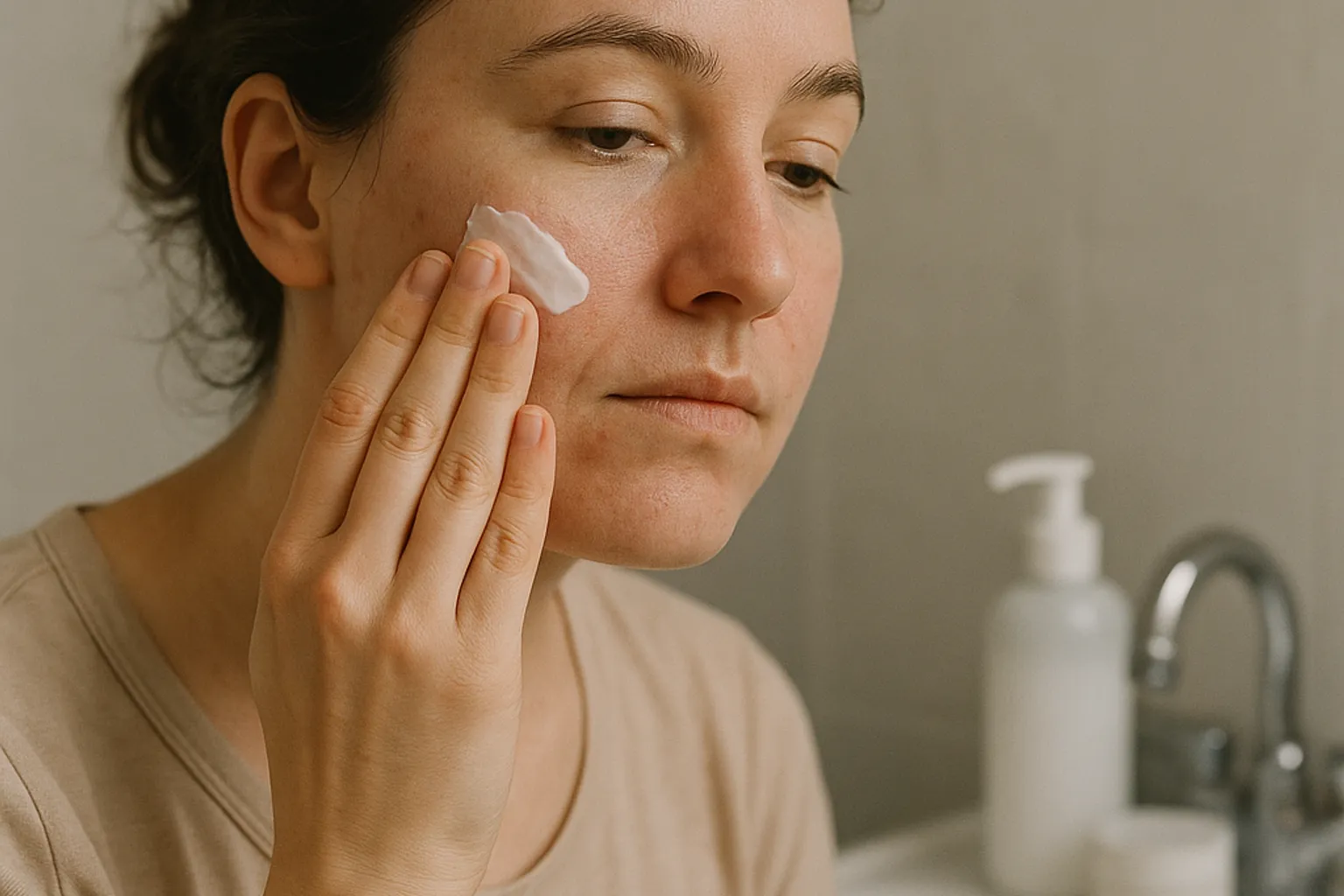
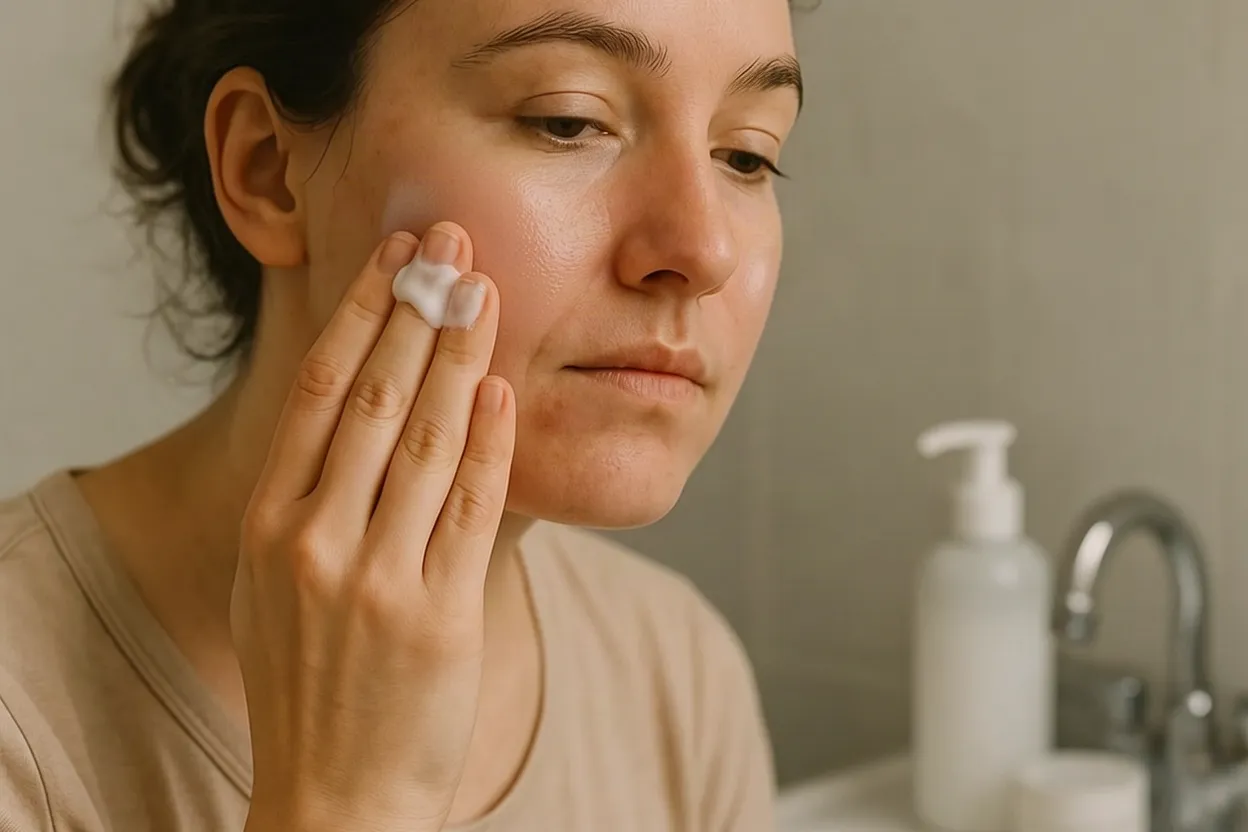
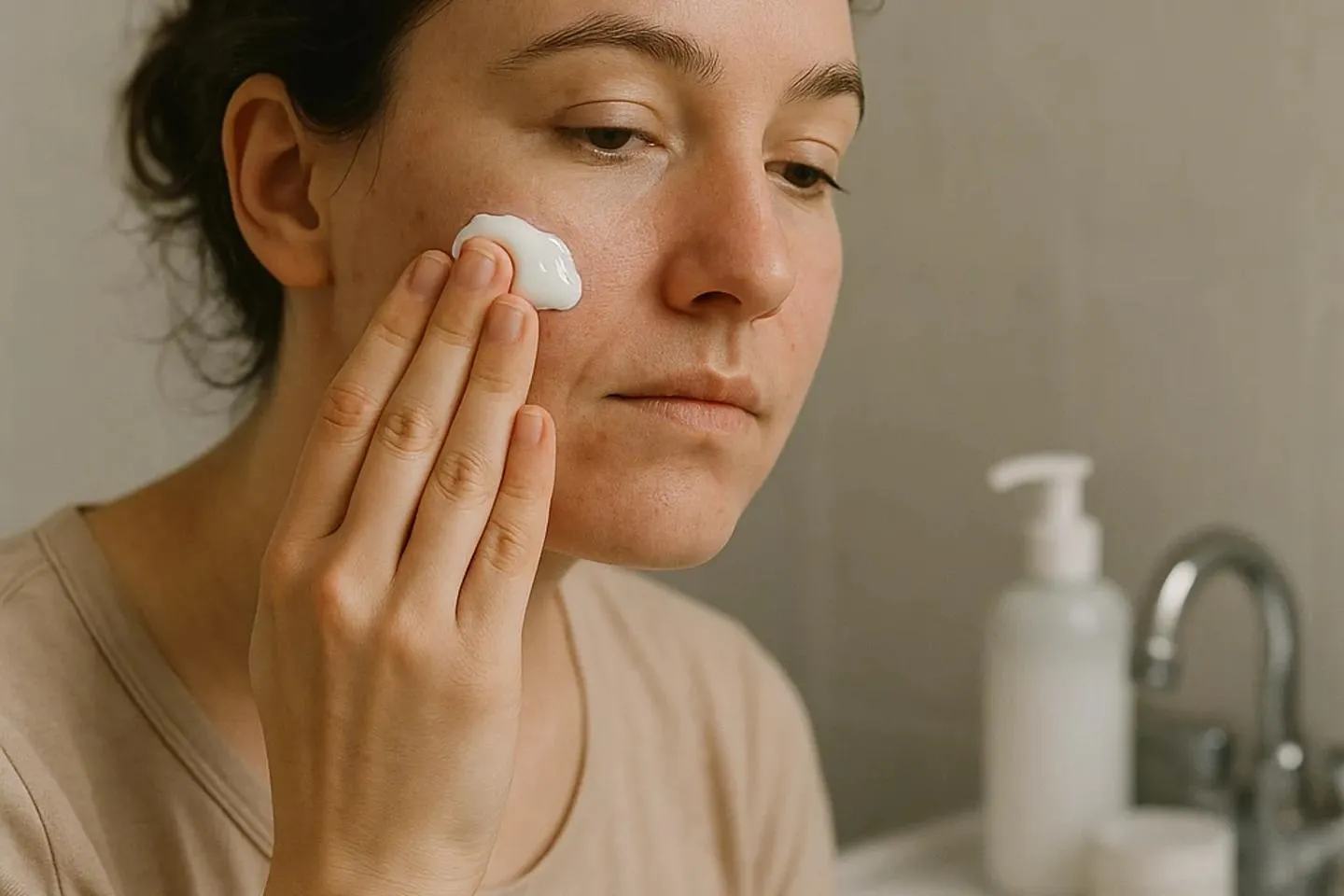
Goal: the thick dollop of cream on the woman's cheek should look rubbed in, with a faint sheen, and nothing else should change.
Attempt 1, instruction edit on klein ($0.0115, preservation 0.925 of 0.95): the cream moved onto her fingertips, and her whole face became glossy and smoother.
Attempt 2, the same instruction on Qwen: the provider returned an error (status 422) on all three tries inside the job. No image was produced, and about $0.094 was still charged.
Attempt 3, masked edit on Fill with a mask made from the words "the white cream on her cheek" ($0.005 for the mask, $0.0525 for the edit, preservation 0.958): the mask was exact and nothing outside it changed. Inside the mask, the model painted a new, glossier dollop where the old one was.
What this shows: describing the cream in the prompt made the fill model draw cream. A prompt that describes only bare skin is the next thing to try. It was not run because the case had used its three attempts.
Case 2 · garbled text
A garbled bottle label made blank, then relabelled: fixed
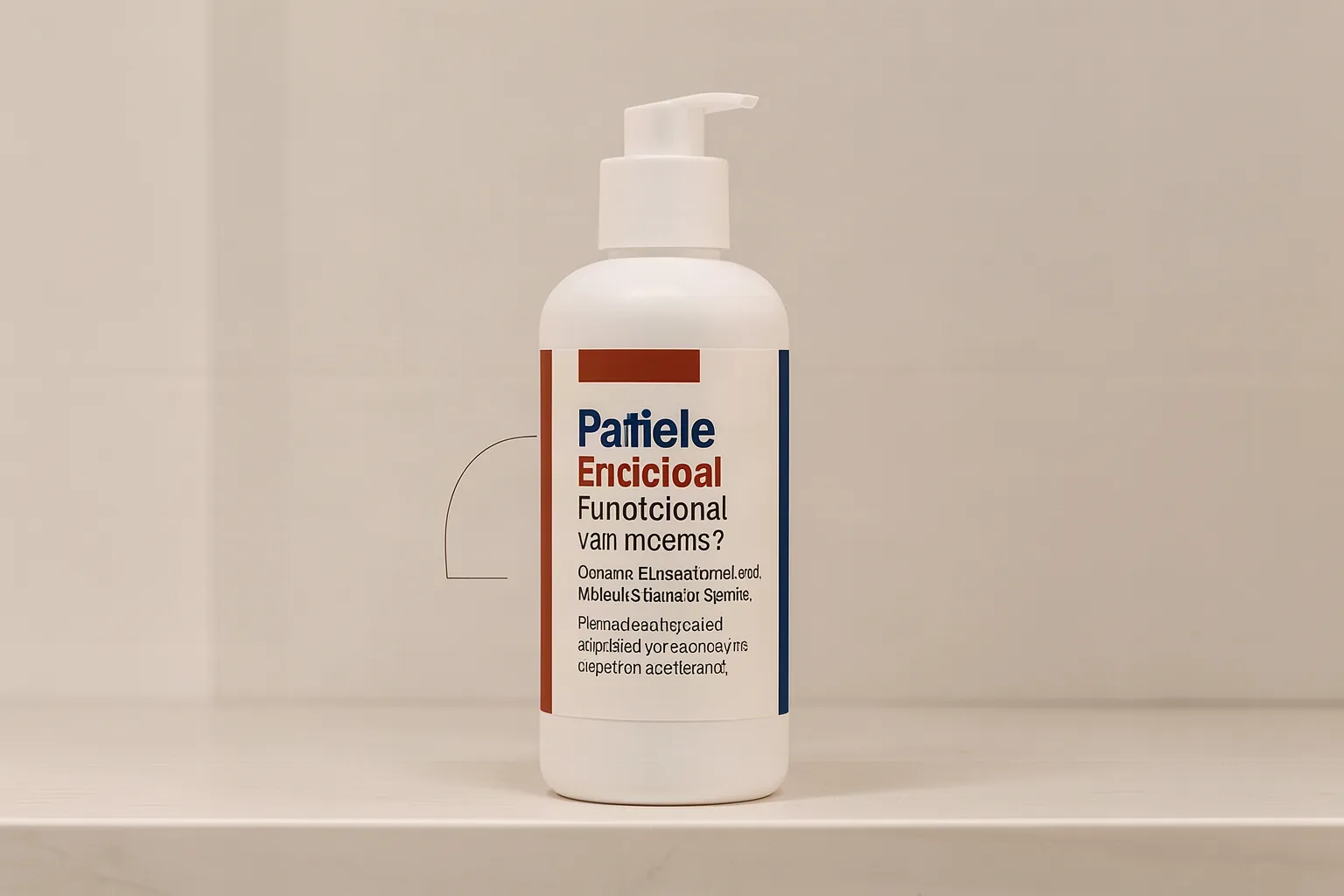
Goal: remove the invented pseudo-words from a generated serum bottle's label, then put real label text on it.
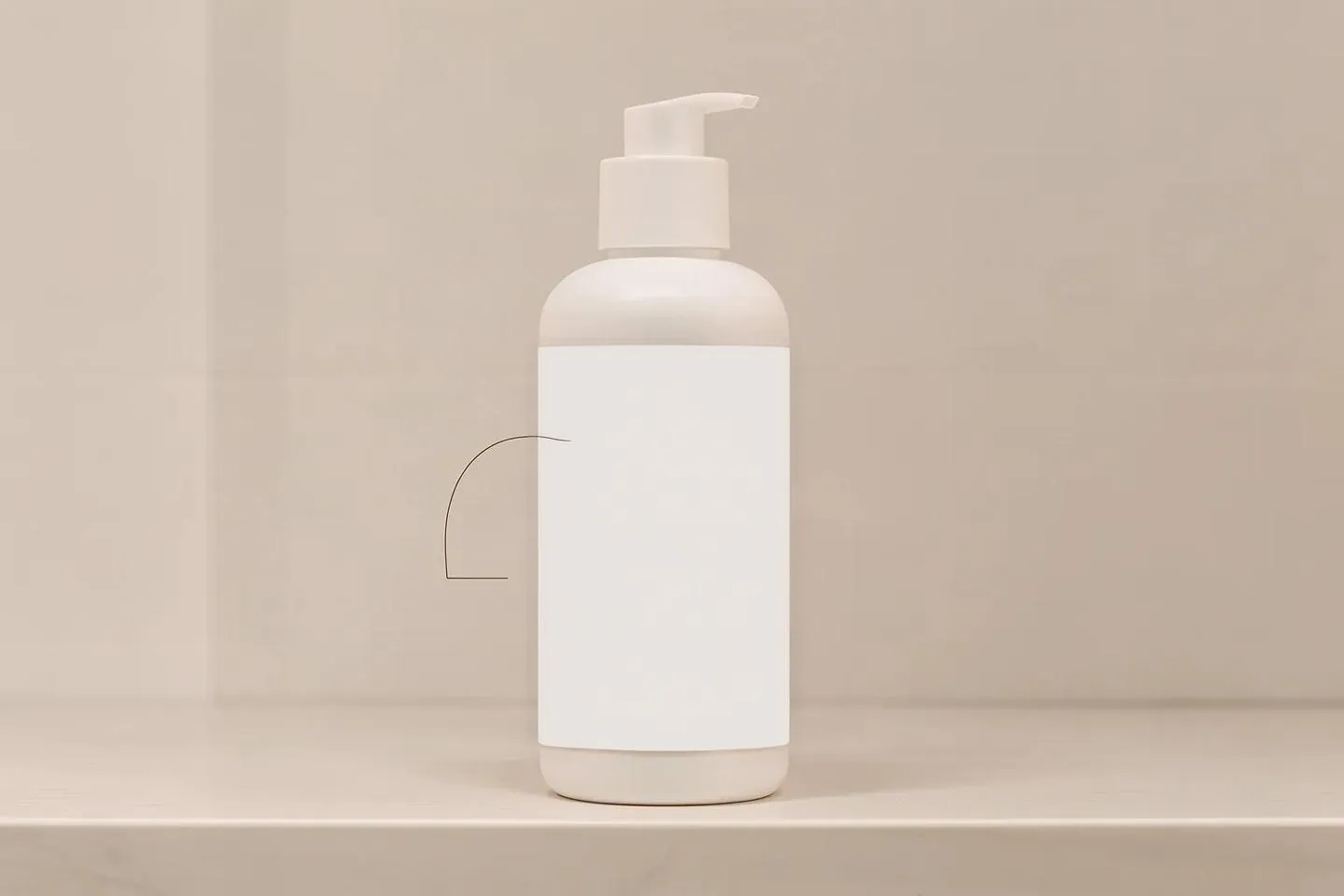
Attempt 1, masked edit on Fill with a rectangle mask over the label ($0.0525, preservation 0.986): the label came back as a solid black slab. Both the preservation check and the text check passed this broken result.
Attempt 2, masked edit on gpt-image-1: the job failed with an error from OpenAI ("array too long"). The platform sends the image in a form OpenAI rejects, and this is a known bug.
Attempt 3, Fill with a literal description of the surface ("clean bright white paper label, plain solid white, same white as the bottle", plus "no black, no dark areas"; $0.0525, preservation 0.985): a clean blank label. The whole picture came back slightly warmer.
The real text was then added with three deterministic tools, at no cost. render_word_art drew "KUGEL LAB", "Barrier Serum" and "30 ml" onto a crop of the blank label, and project_planar_decal placed that crop back onto the bottle. check_image_text then found all three strings. The label is flat: it does not follow the curve of the bottle.
Case 3 · painted codes
Hex colour codes painted into an image, removed: fixed
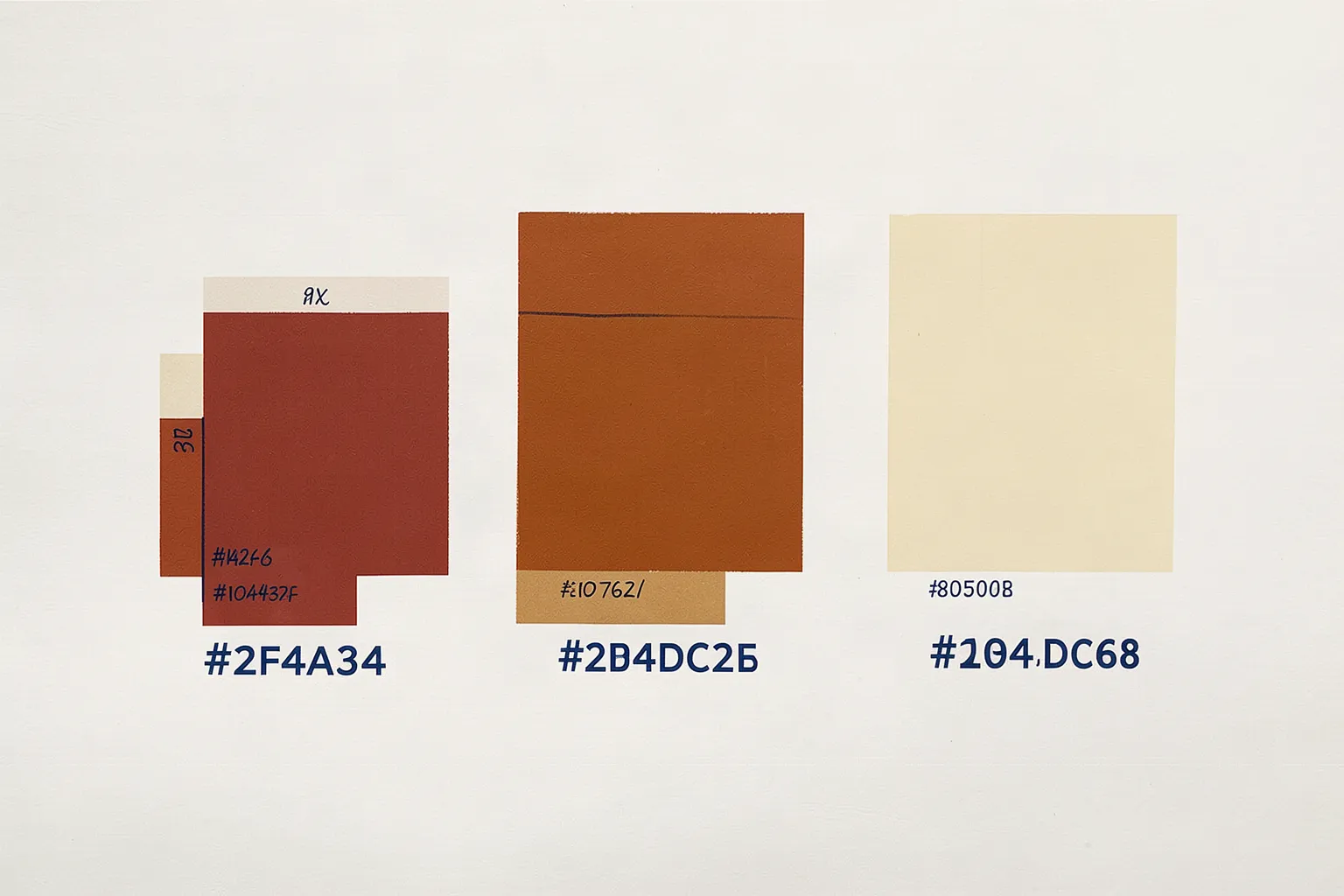
Image models sometimes paint colour codes from the prompt into the picture as text. This source was made to reproduce that. A text check read "#2F4A34", "#2B4DC2B" and "#104.DC68" under the swatches, and there were smaller handwritten marks as well.
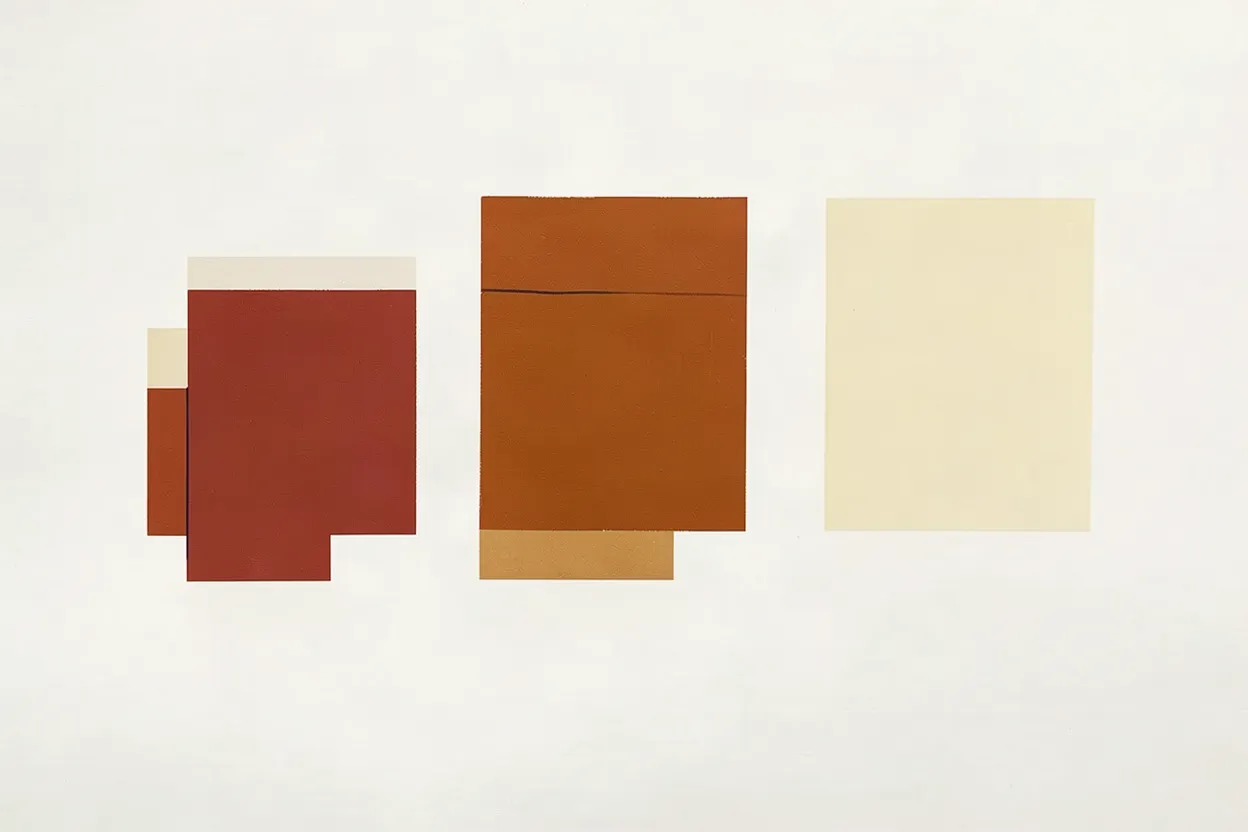
Attempt 1, instruction edit on klein with eight rectangles marking the text ($0.0115, about 10 seconds, preservation 0.964): all the text is gone, including the small marks, with no smudges. The swatches, colours and paper are unchanged. The text check found nothing afterwards.
The output is 1248 by 832 rather than the source's 1536 by 1024. The picture is the same, only smaller. Klein returned that size on every edit in this test.
Case 4 · anatomy
Repairing a hand: made worse
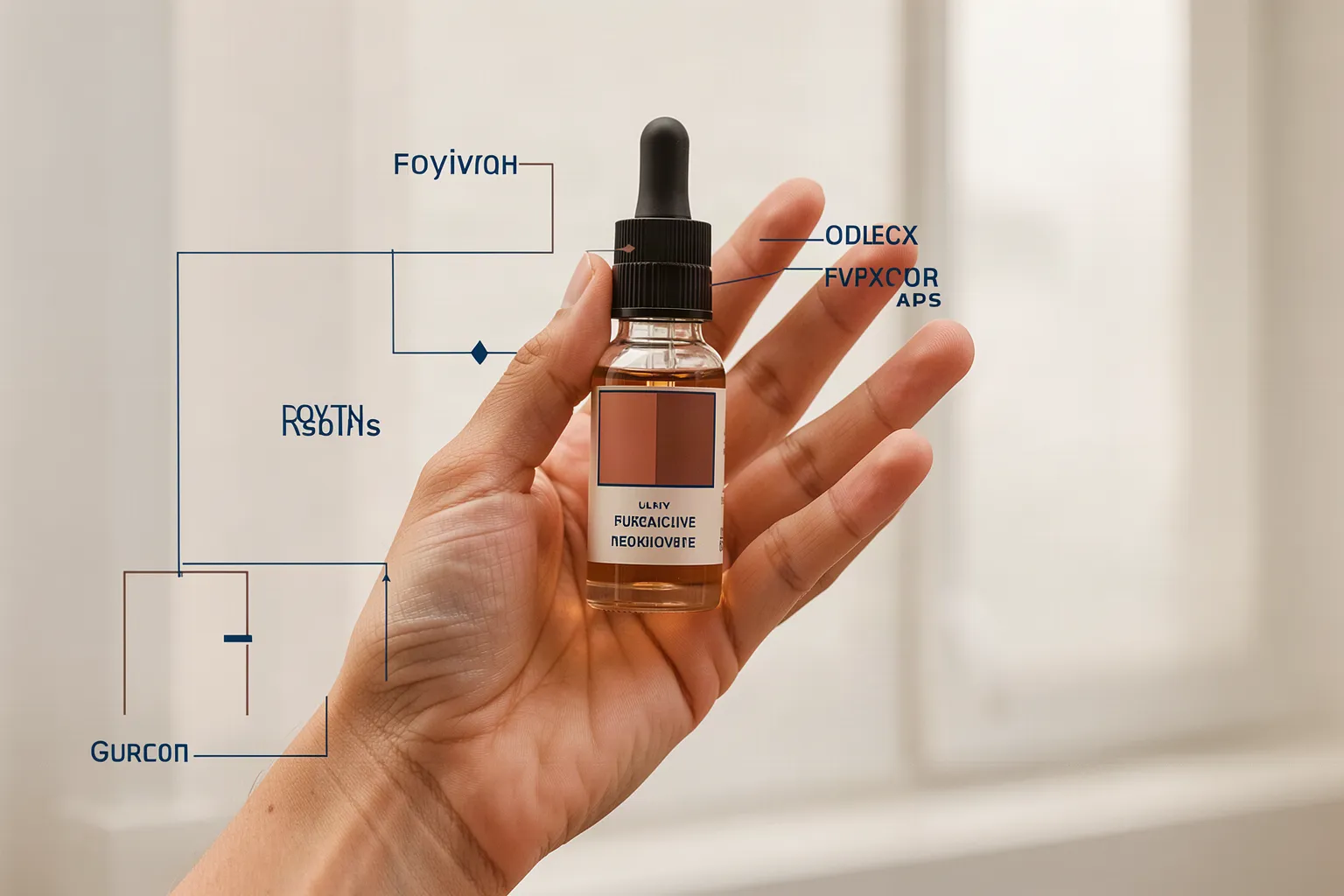
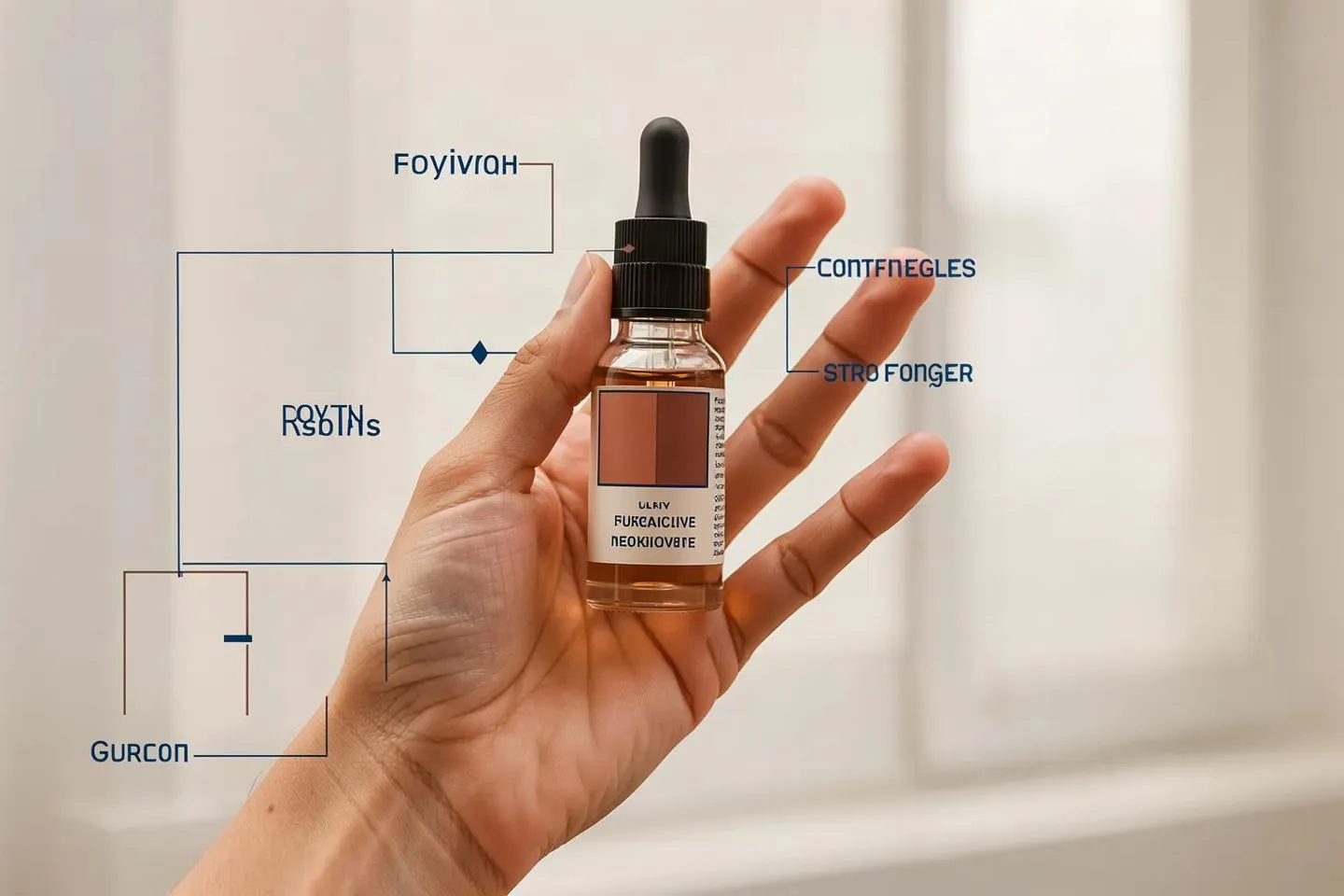
Goal: repair hand anatomy with a masked edit over the whole hand. The generated hand already had five plausible digits, so this tested whether the repair leaves a good hand alone.
Attempt 1, Fill with a mask over the whole hand ($0.0525, preservation 0.983): the hand was redrawn in a contorted pose with a ghost finger. The bottle shrank, and outlines of extra bottles and garbled words appeared.
Attempt 2, gpt-image-1: failed with the same OpenAI "array too long" error as case 2.
Attempt 3, Fill with a mask over the four fingers only ($0.0525, preservation 0.972): cleaner, but only four digits are visible. New garbled words appeared that echo the instruction.
The preservation score passed every time. It only measures pixels outside the mask, so it cannot tell when the inside got worse.
Case 5 · anatomy
Repairing a senior dog's legs and paws: made worse
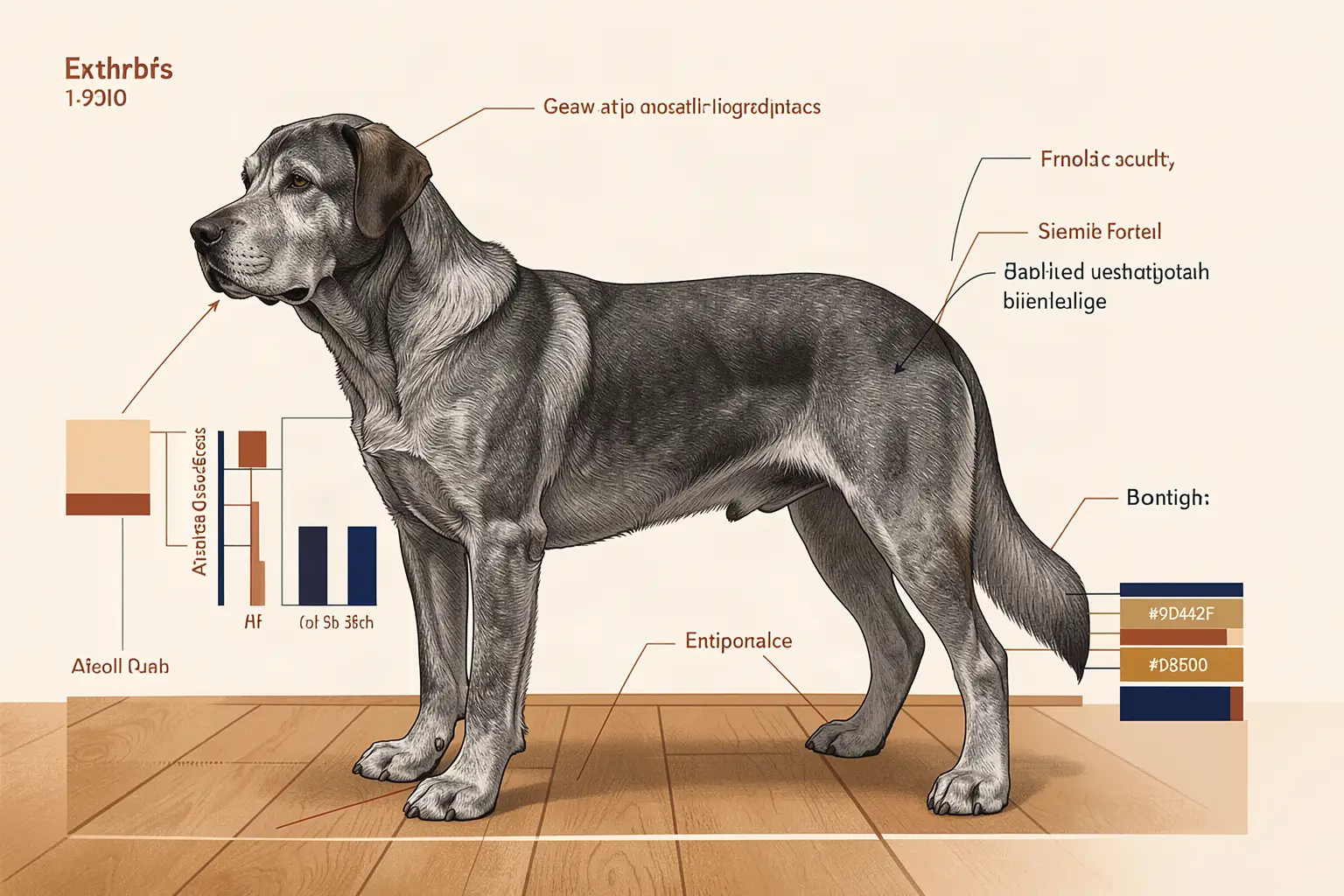
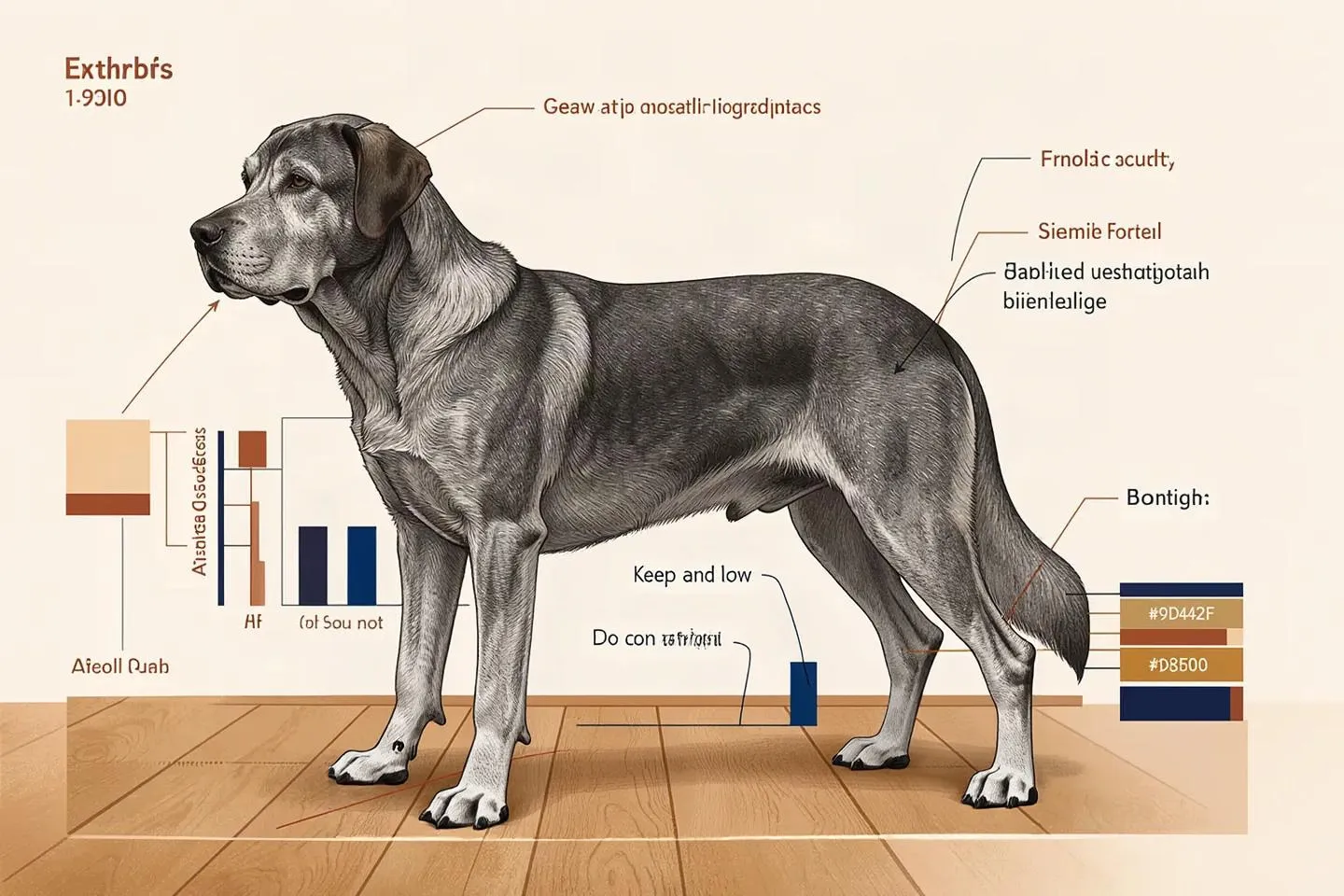
Goal: repair the legs and paws of a generated senior dog with a masked edit. The source already showed four legs and four paws.
Attempt 1, Fill with a mask over the legs ($0.0525, preservation 0.972): still four legs. Words from the instruction were painted into the image as garbled text, for example "Keep Anatomy Corfue".
Attempt 2, gpt-image-1: failed with the OpenAI "array too long" error.
Attempt 3, Fill with a tighter mask and a shorter instruction ($0.0525, preservation 0.971): garbled text again, a splayed paw and a dark blot.
Fill has no separate list of things to avoid, so the platform folds the "keep" and "do not" lines into the same prompt. Fill then sometimes paints those words into the image.
Case 6 · product insert
Placing a product into a scene from a reference image: fixed
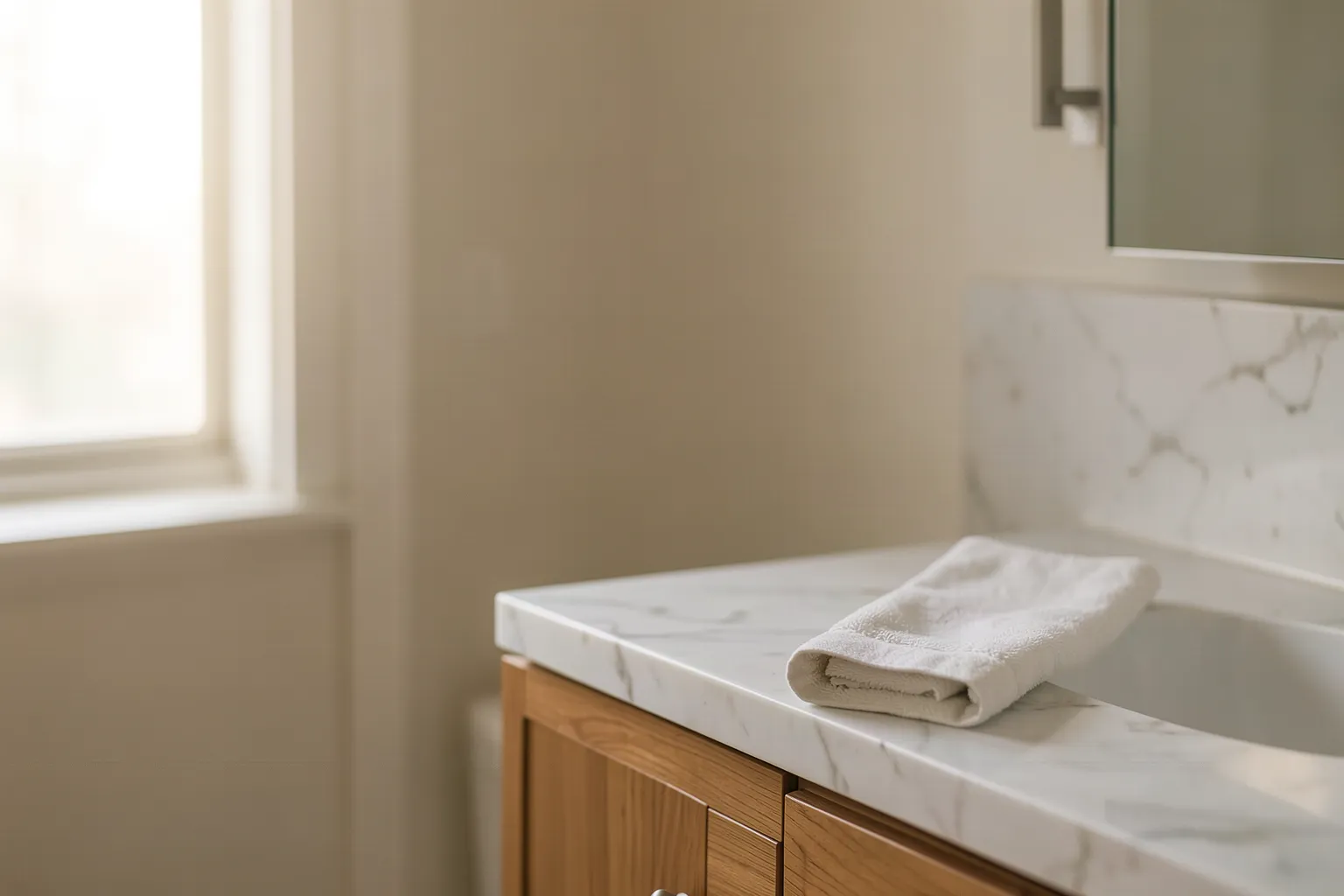
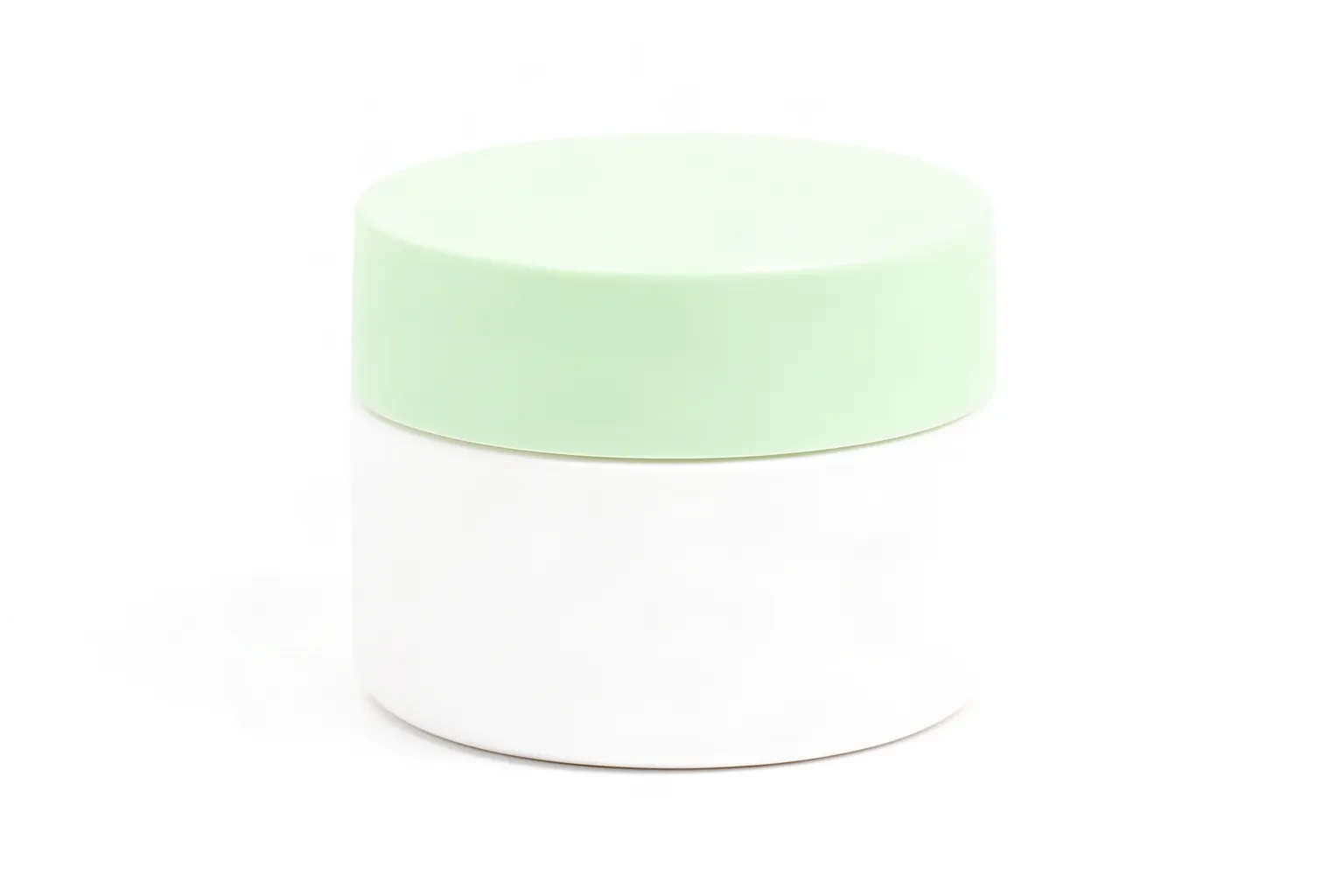
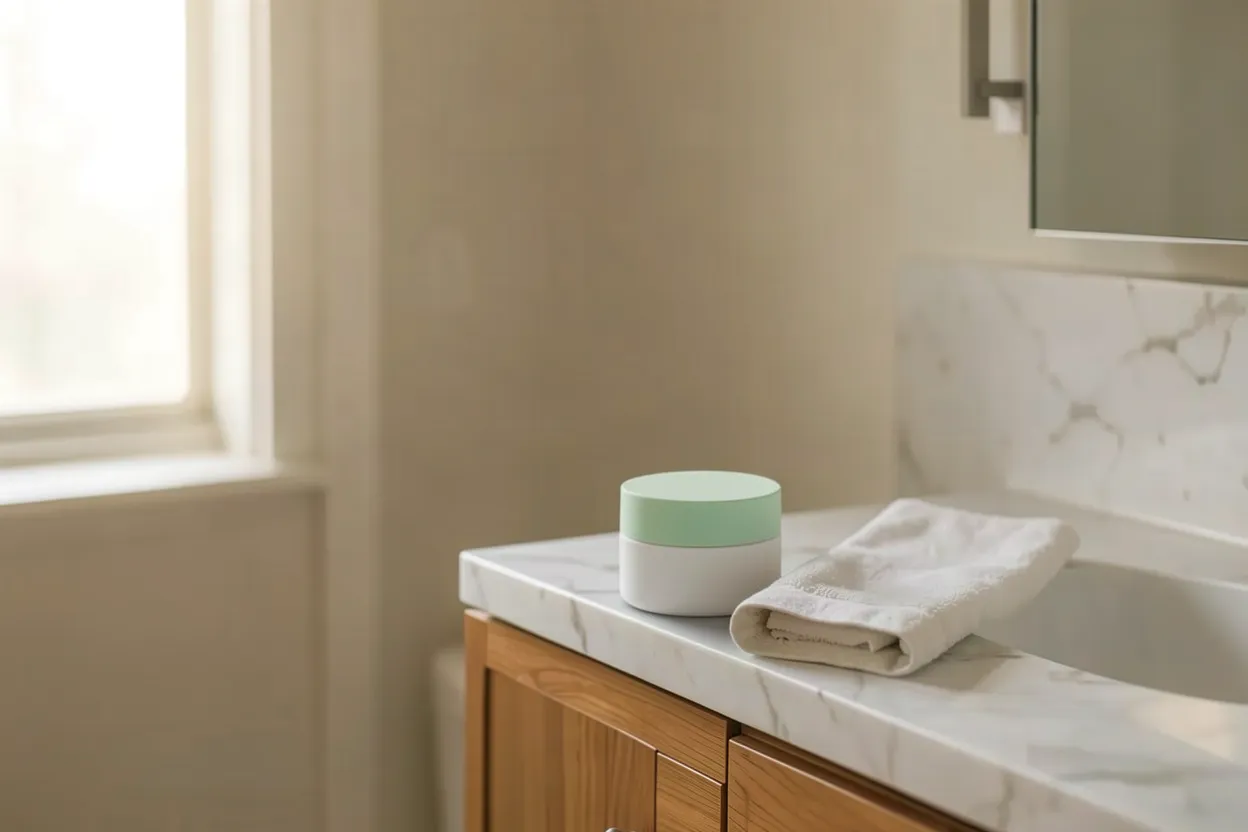
Goal: put a specific product into an empty bathroom scene by giving the model a photo of the product as a reference.
The Dr. Lurie site has no photograph of a single product, so the product is a generated stand-in: a white jar with a pale green lid. The first scene and packshot came out as diagrams with invented labels, because this site's image style asks for diagrams. Both were regenerated with a one-off photographic style.
Attempt 1, instruction edit on klein with the jar as a reference ($0.0115, about 5 seconds, preservation 0.9496, just under the 0.95 threshold): the jar on the counter has the same shape, matte white body and green lid as the reference. It is at a believable size and has a soft shadow. It sits left of the towel rather than at the far left. The rest of the scene shifted slightly, which explains the near-miss score.
Kontext accepts no reference images. A request that gave it one was refused before any charge (IMAGE_EDIT_REFERENCES_UNSUPPORTED).
Case 7 · consistency
The same character in a second comic panel: fixed on the second model
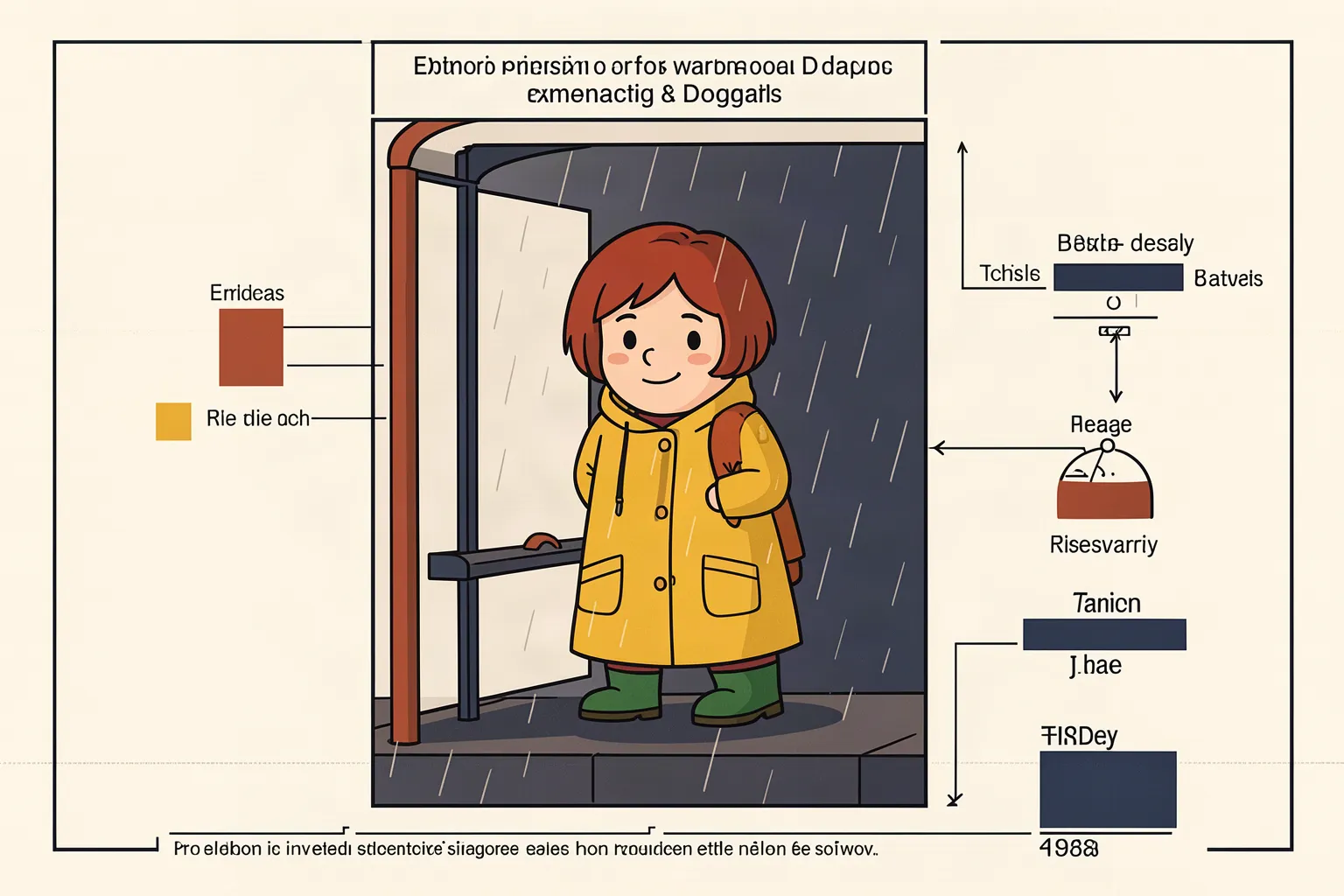
Goal: make the woman in a second panel the same character as in the first panel, which was passed as a reference.
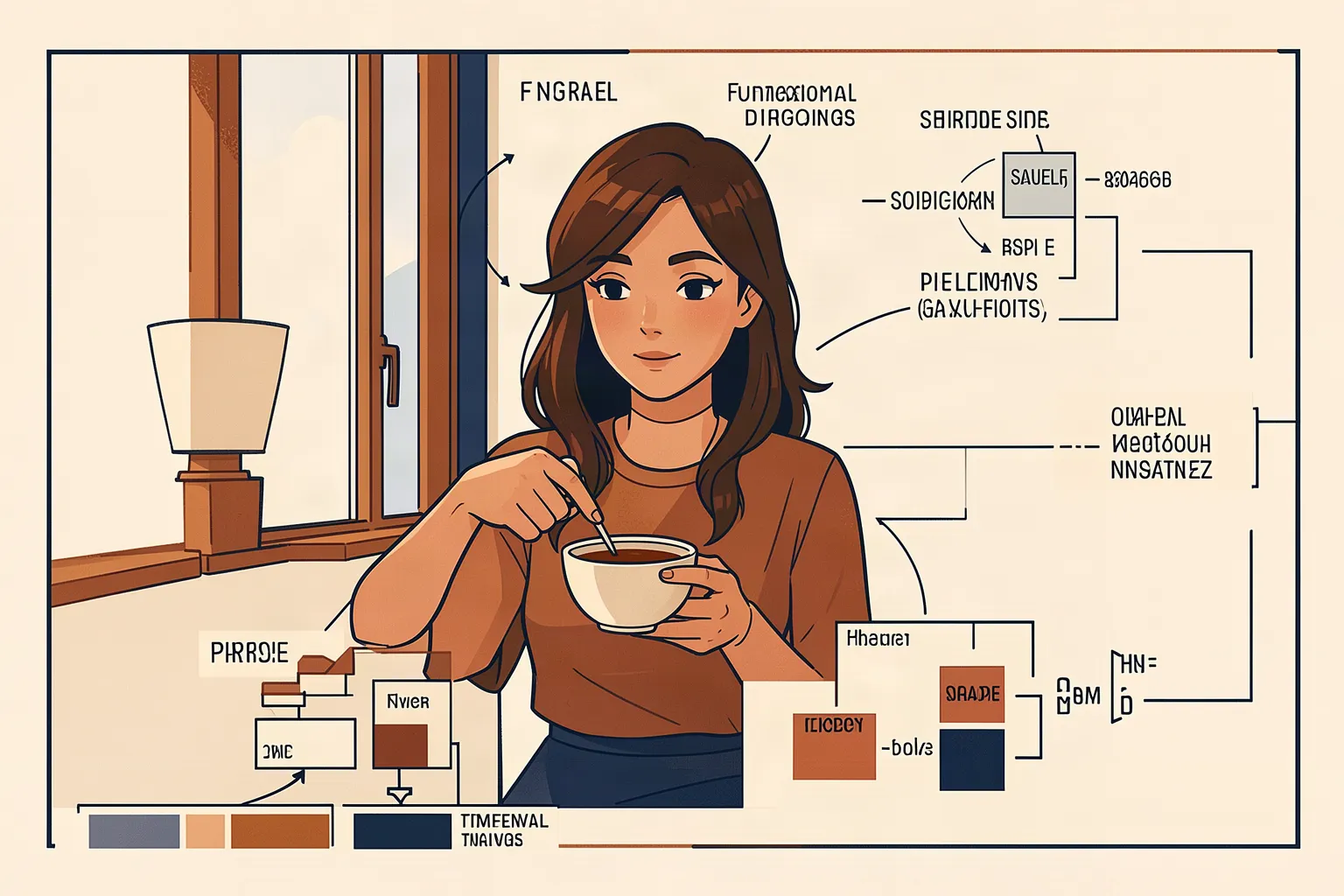
Attempt 1, klein ($0.0115): only the colours carried over. The figure kept a different face, long hair and adult proportions.
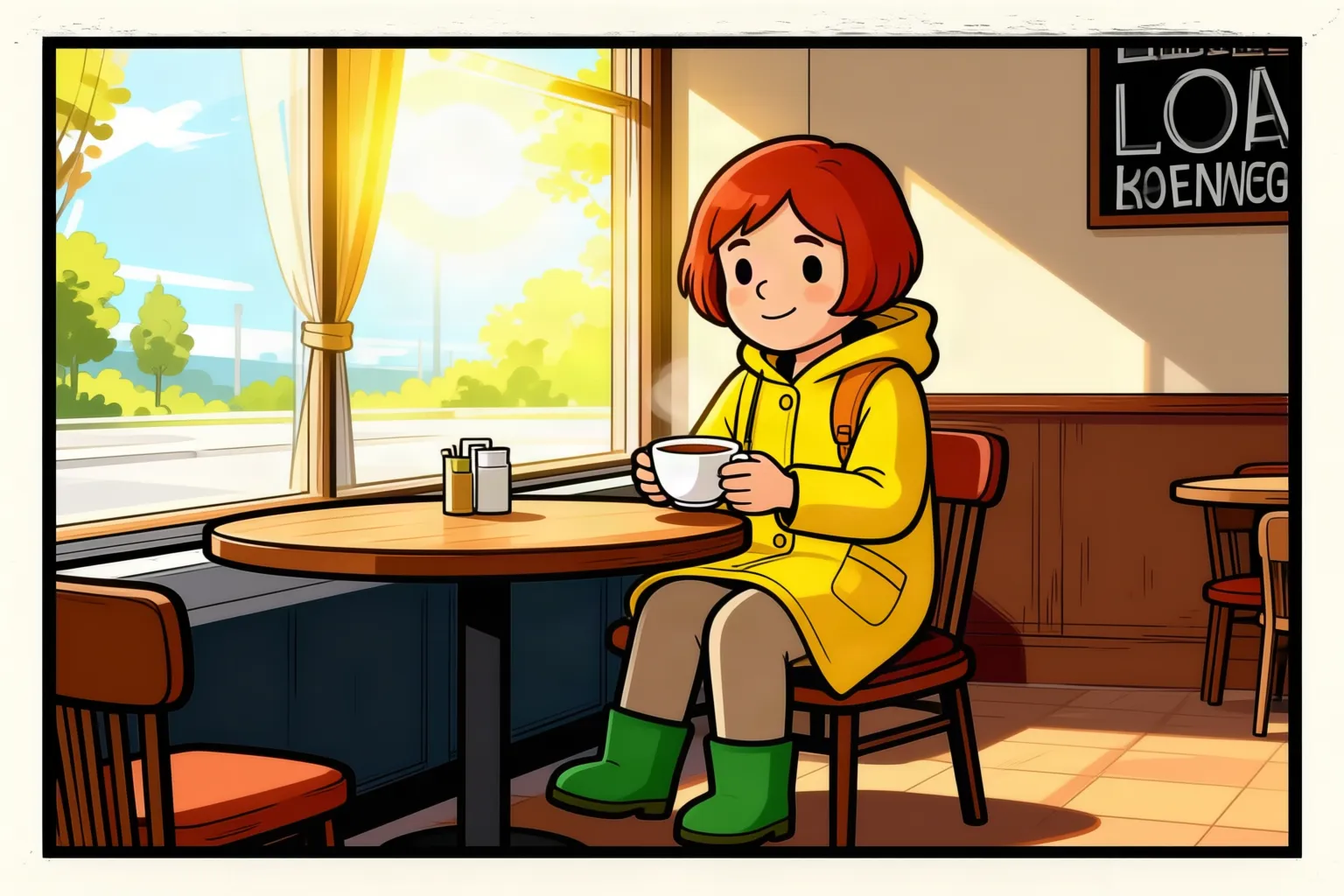
Attempt 2, Qwen ($0.0315, about 10 seconds, full 1536 by 1024 output): the same character, with a short red bob, a round face, a yellow raincoat and green boots. She is now sitting in the café with a cup of tea. Qwen redrew the whole panel rather than editing it, and it added a chalkboard with garbled lettering. That redraw is why the preservation score was 0.31. A score that low is expected when most of the picture is supposed to change.
Case 8 · reframe
A landscape hero made portrait (4:5): fixed without a model
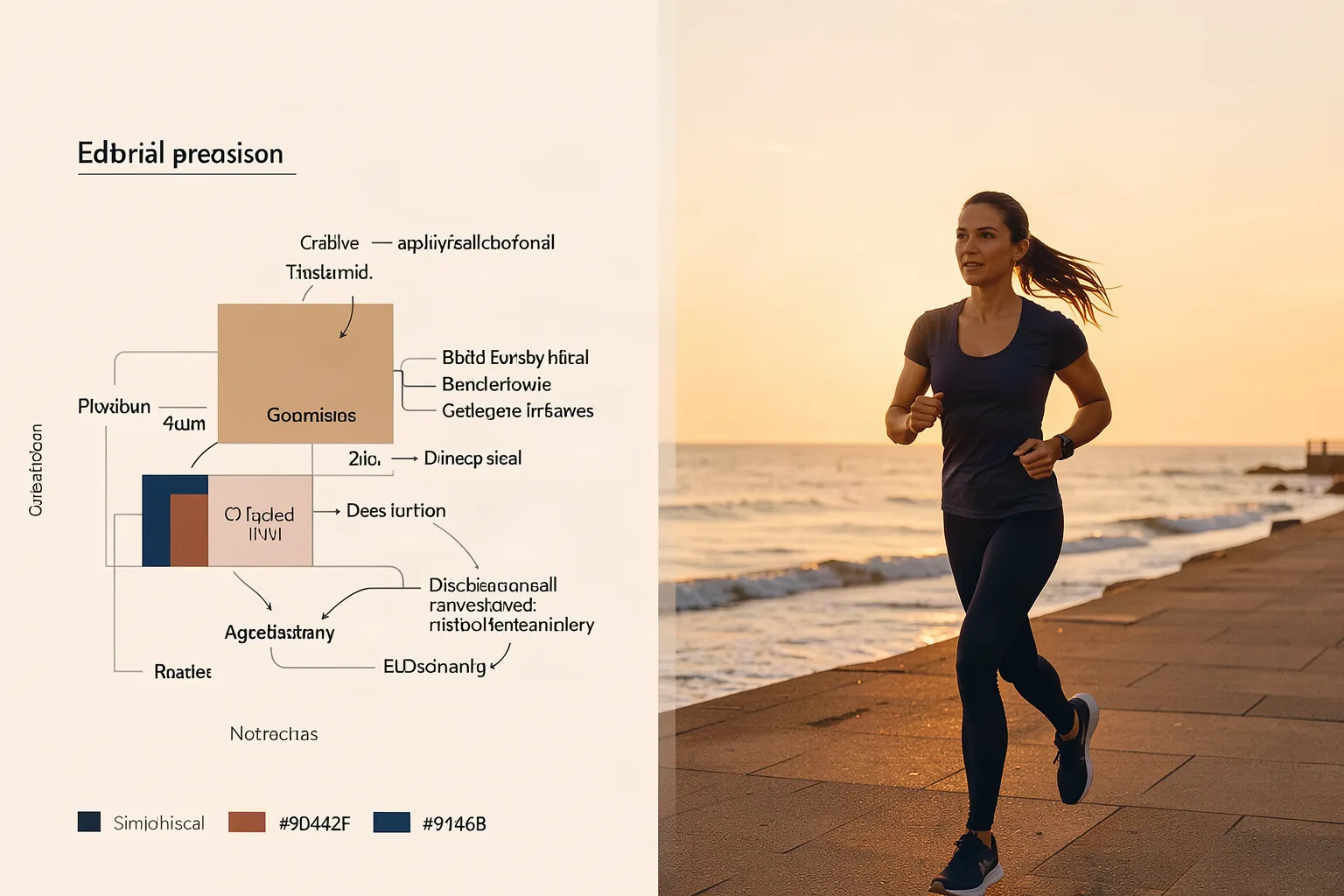
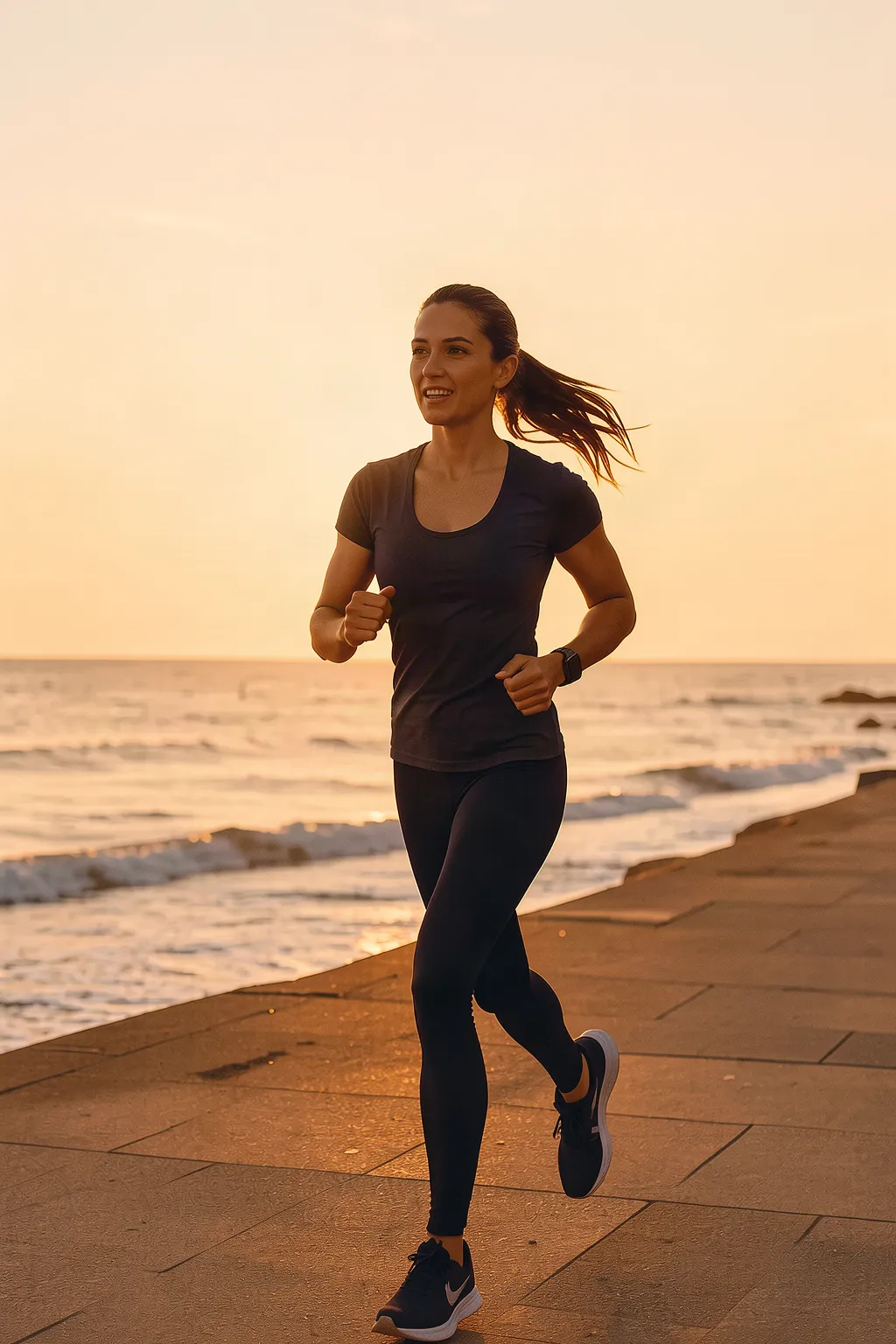
Goal: turn a wide image into a 4:5 portrait without losing the runner. The job's size list has no true 16:9 and no 4:5, so the source is 3:2.
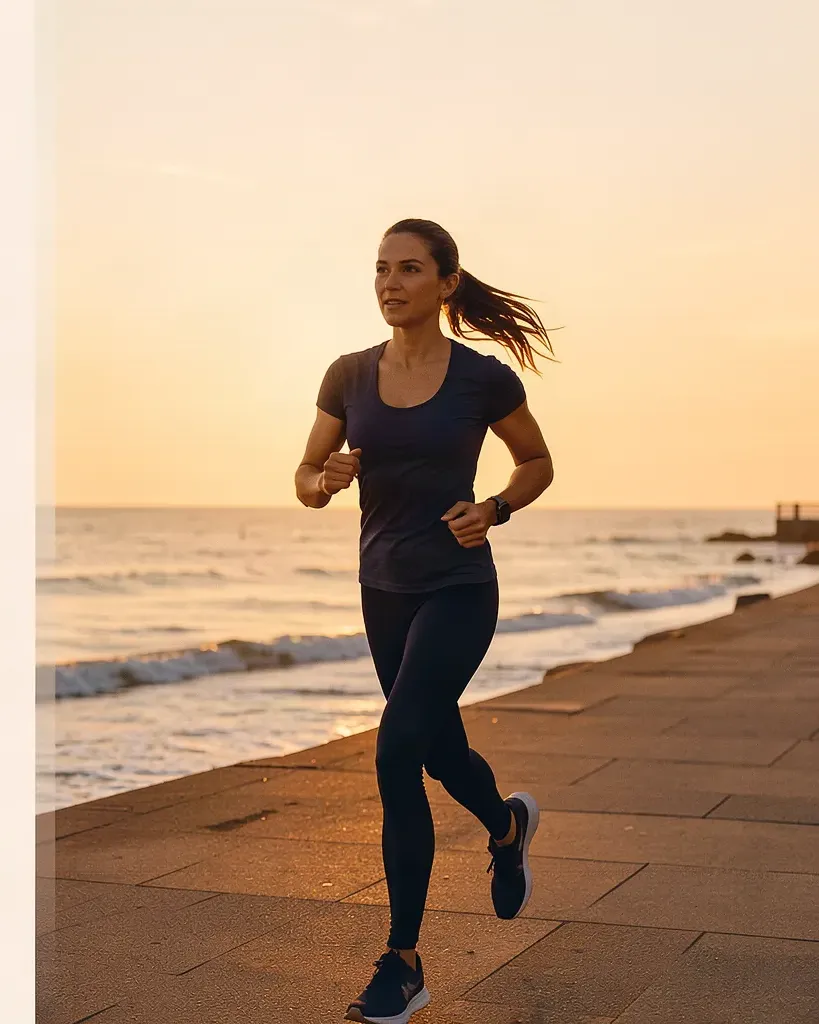
smart_crop picks a 4:5 frame automatically, free and instantly. It kept the runner from head to feet but left a strip of the source's text panel along one edge. A manual crop with image_transform, starting 717 pixels from the left, gave a clean 819 by 1024 image, also free.
The model routes did not reframe:
Klein asked for 1024 by 1536 (2:3, the nearest allowed portrait size) did return that size, at $0.017. It redrew the whole scene: a different face, and a logo on the shoe that was not there before.
Kontext ignored the 4:5 instruction and returned another landscape image.
For a change of shape, a crop is the right tool. A model is only worth trying when the subject is cut off and new picture has to be invented.
Case 9 · restyle
Over-smoothed skin given natural texture: not fixed
Goal: replace airbrushed, glossy skin with natural texture, keeping the same person.
Attempt 1, klein with the face marked ($0.0115, preservation 0.841): real pores appeared and the gloss went. The model also added freckles, age spots and deep folds, so the woman looks about fifteen to twenty years older.
Attempt 2, Qwen ($0.0315): the skin stayed smooth, and the diagram shapes in the background were deleted although the instruction said to keep them.
Attempt 3, Kontext: a different-looking woman with new hair and new framing, and the skin still glossy.
Of the three, klein came closest. A softer instruction ("subtle pores, keep apparent age, no freckles or deep wrinkles") limited to the cheeks and forehead is the next thing to try.
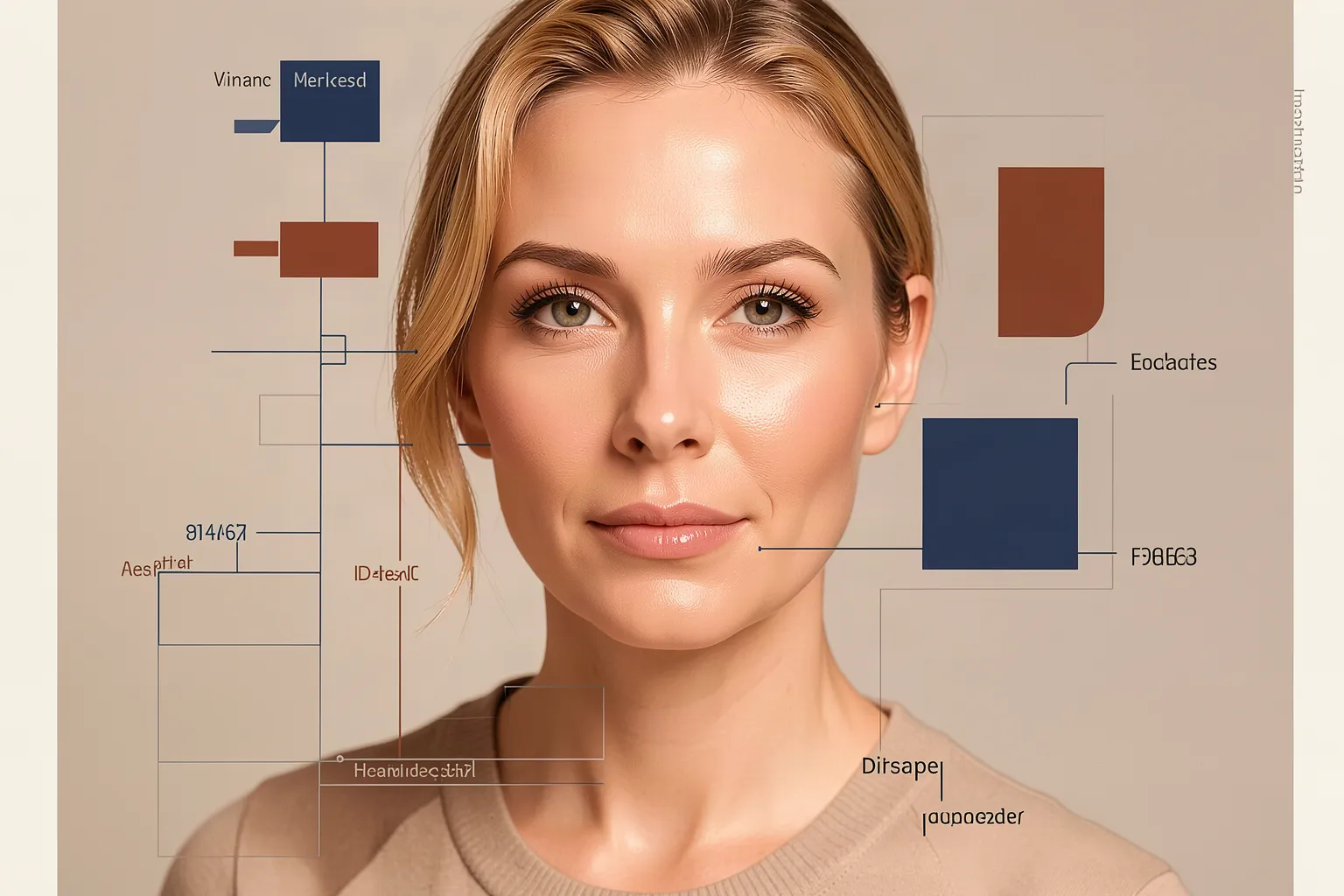
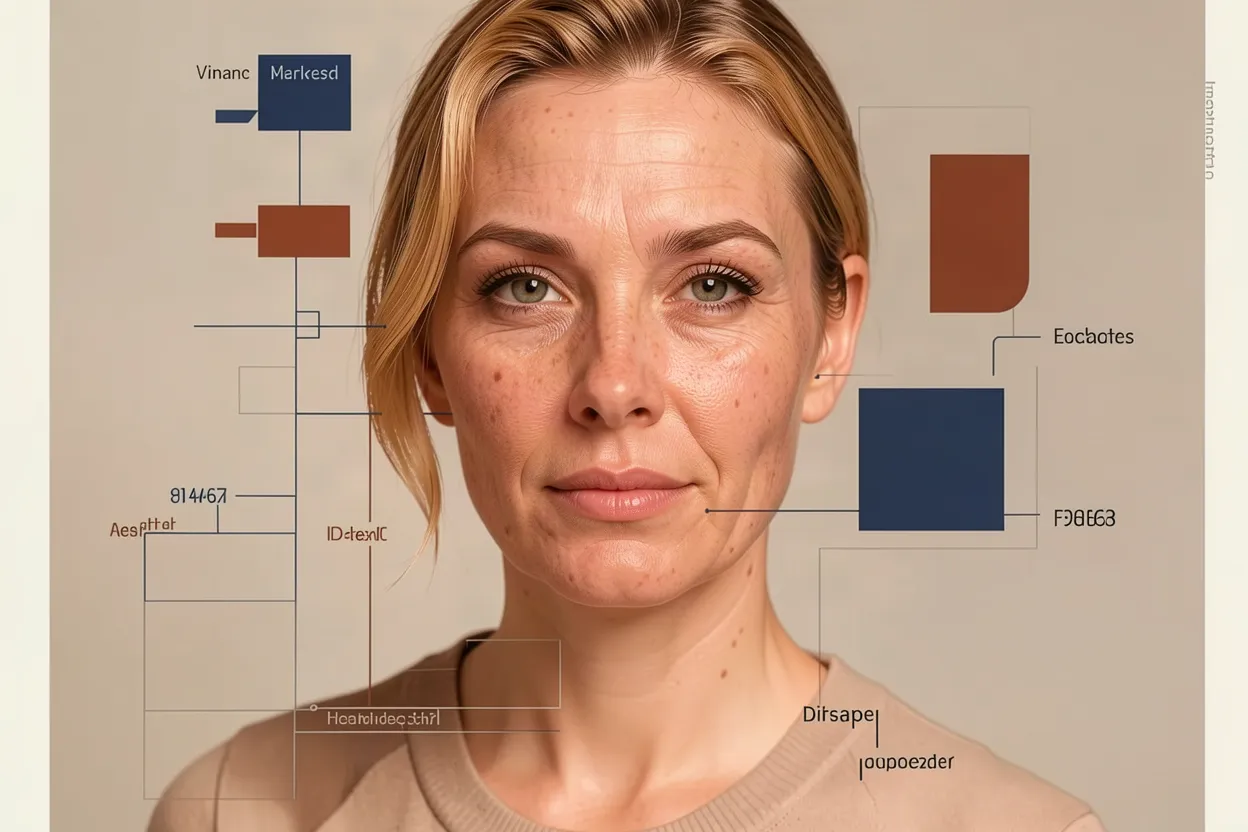
Image editing
What the scores do not tell you
The preservation score answers one question: did the rest of the image survive? It does not answer whether the defect is fixed.
On masked edits it only looks outside the mask. Every failed Fill edit here scored between 0.96 and 0.99.
On edits where most of the picture is meant to change, such as a new character, a reframe or a restyle, it fails even when the result is good.
The text check missed small handwriting and passed a black label.
Look at every output before you use it.
Size changes are routine. Klein and Kontext returned 1248 by 832 for a 1536 by 1024 source, and Fill returned 1440 by 960. Qwen kept the source size. Each size change adds a geometry-drift warning and the edit is kept. Resize afterwards if the size matters.
Three problems were found and reported:
Masked edits on gpt-image-1 fail every time with an OpenAI "array too long" error.
One Qwen job failed at the provider and was still charged for three tries.
On this site, the default image style turns photographic subjects into diagrams with invented labels unless a one-off style is passed.
Image editing
Which tool to reach for
Use these defaults:
Stray text on a plain background: an instruction edit on klein with the text areas marked, then a text check and a look.
A surface that must be blank, then lettered: a masked edit on Fill with a rectangle mask and a literal description of the surface, then render_word_art and project_planar_decal for the text.
A product from a photo: an instruction edit with the product as a reference image, on klein.
The same character in a new scene: Qwen with the earlier panel as a reference.
A new shape: crop, with smart_crop or image_transform, and check the crop.
For anatomy errors on hands and paws, generate the image again. Masked repainting made both cases here worse. For a small change of state such as cream being rubbed in, and for skin texture, none of the models tested produced a usable result yet.
The site's defaults for edits were left as they were. Klein is the default for instruction edits and Fill for masked edits, because each was the cheapest model that passed a case.