Downloadable PDFs: Turning Platform Content Into a Document
PDF generation on Kugel Platform: templates and render jobs, the four rendering engines, versions and the publish gate, images inside PDFs, other PDF operations, and the limits.
4 min read By Platform Documentation Guide #Publishing #Architecture
Documents
Content that leaves the browser
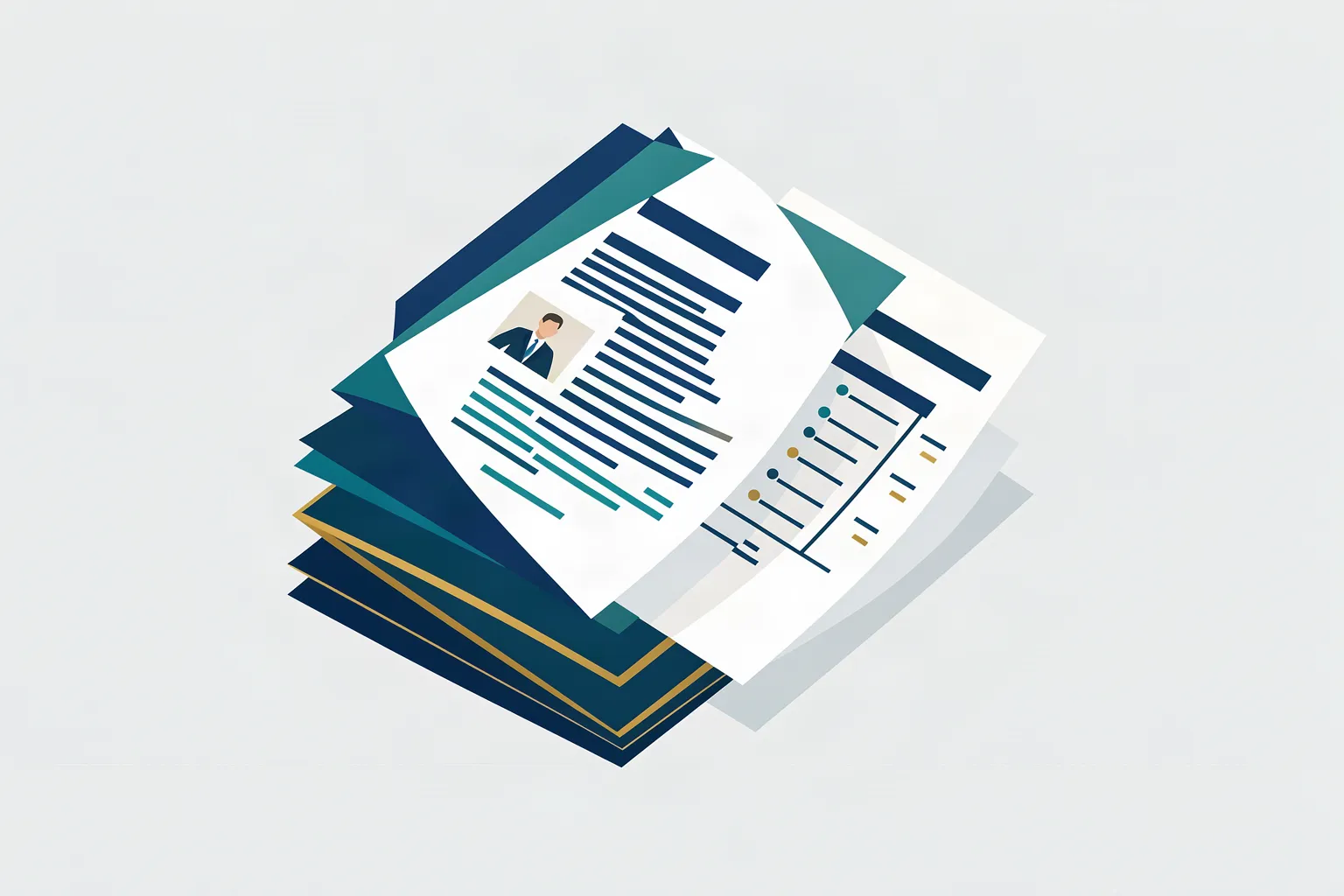
Some content works better as a document a reader can save, print or forward: a guide, a checklist, a lead magnet. Kugel Platform renders those PDFs from the same governed content as the web page, using templates the site owns.
Laying text and images onto pages is mechanical work, so rendering a PDF needs no model call. The same template and data give the same document every time.
Templates, data and render jobs
A PDF template is a layout with named fields. It is stored and versioned by the artifact foundry, not as a site object, so it is managed with its own template tools.
A render job combines one published template version with a data payload, the text and values to fill in, plus any image assets. The result is a PDF stored under the article that asked for it, at a public address that starts with /pdf/.
Four rendering engines
Each template is made for one of four engines, chosen when the template is created and kept for its whole life.
Chromium, the default, lays out HTML and CSS in a headless browser. It suits rich, web-like documents.
Typst is a typesetting engine with precise page geometry.
React-PDF builds documents from a structured tree of blocks.
pdfme fills fixed positions on a page, which suits forms and certificates.
A job that names a different engine from its template's is refused rather than rendered through the wrong one.
Versions and the publish gate
A template starts as a draft, and publishing a version makes it the one render jobs use. For Chromium, Typst and React-PDF the gate is strict: a version cannot be published until a validation render against sample data has passed. For pdfme the gate only warns.
Versions are kept, so a document can be traced to the exact layout that produced it.
Images inside a PDF
Images do not travel inside the template. They travel with the render job as named assets, and the template refers to each one by name. The bytes are taken from an image already stored for the article, so they never pass through the person or agent who asked. Chromium, Typst and React-PDF read assets this way; pdfme takes its images as part of the data.
Two checks are worth doing on any PDF with pictures. A render that carries a real image is much larger than the same layout without one, so a file that did not grow did not embed anything. And comparing the embedded picture with its source catches an image that decoded only partly.
Pasting an image as encoded text into a Chromium template's data is not the supported route. Above a small size it can corrupt the image without any error.
More than rendering
The same service can merge, split and transform existing PDFs, extract text and tables, fill PDF forms, compress files, compare two PDFs and read scanned pages with OCR, in English, Hebrew and Arabic by default. Limits such as pages per call and files per merge are site settings, within hard ceilings set by the render service.
Limits
A PDF is a file, not a page. It is not tracked block by block like a web page, and a PDF attached to an article does not change when the article changes; it has to be rendered again.
Quality checks on an attached PDF, such as blank pages, missing images or unfilled fields, raise warnings when an article is validated. They do not block publishing on their own.
See a sample
An earlier version of this article, rendered as a three-page PDF from this site's own template, with a cover photo and a comparison table. The layout is the point; the text predates this revision.